01
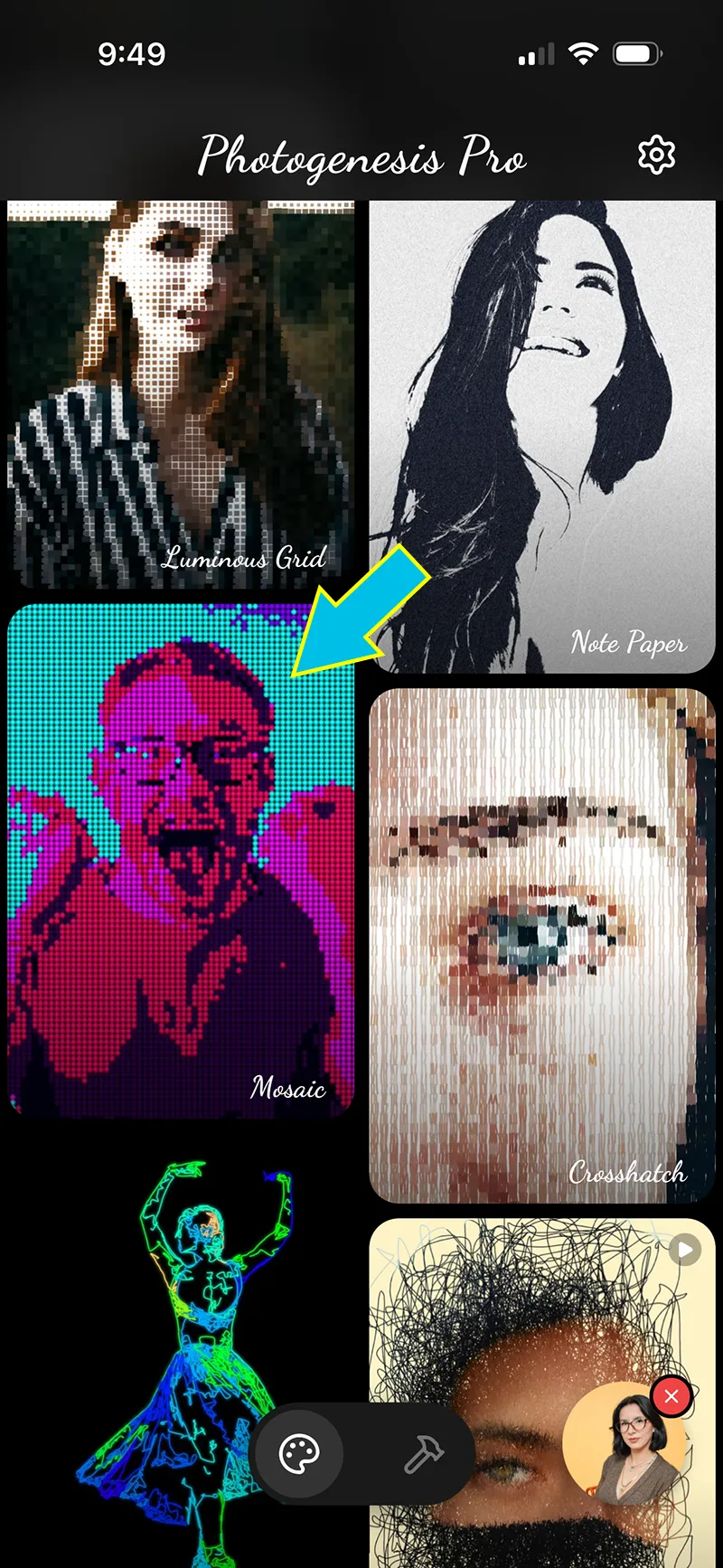
Pick the "Mosaic" effect
Choose "Mosaic" from the effects list.
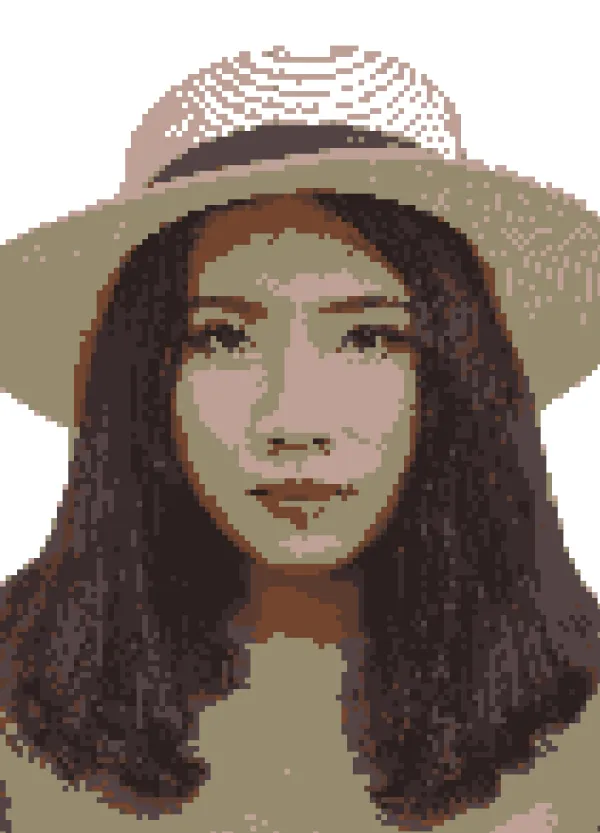
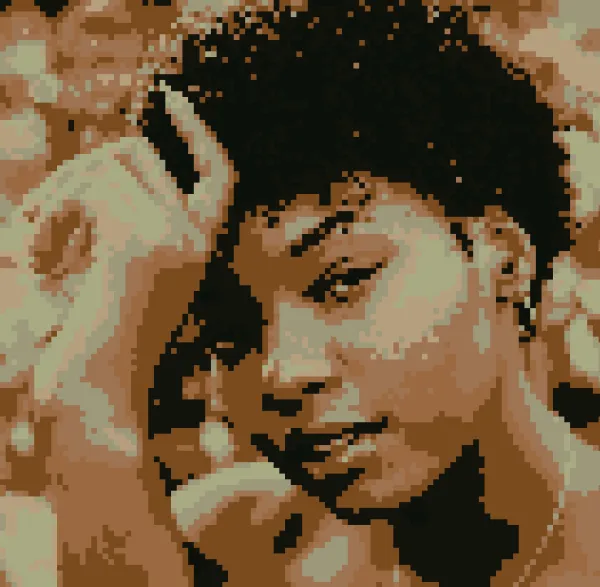
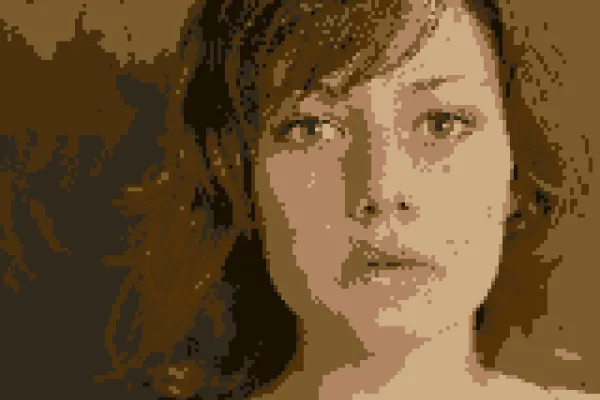
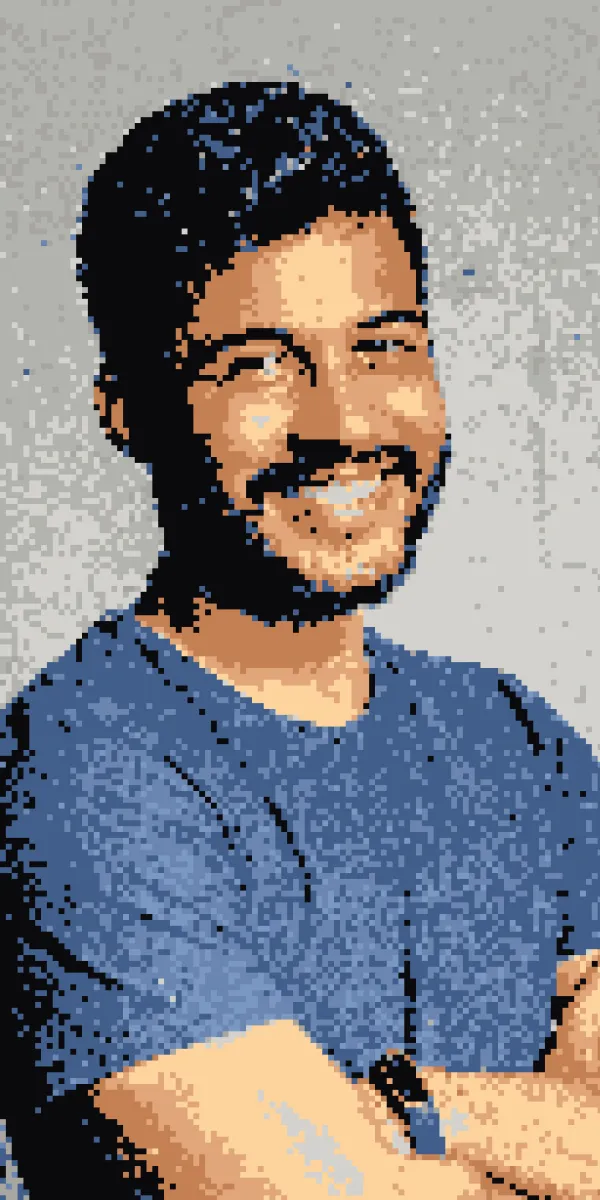
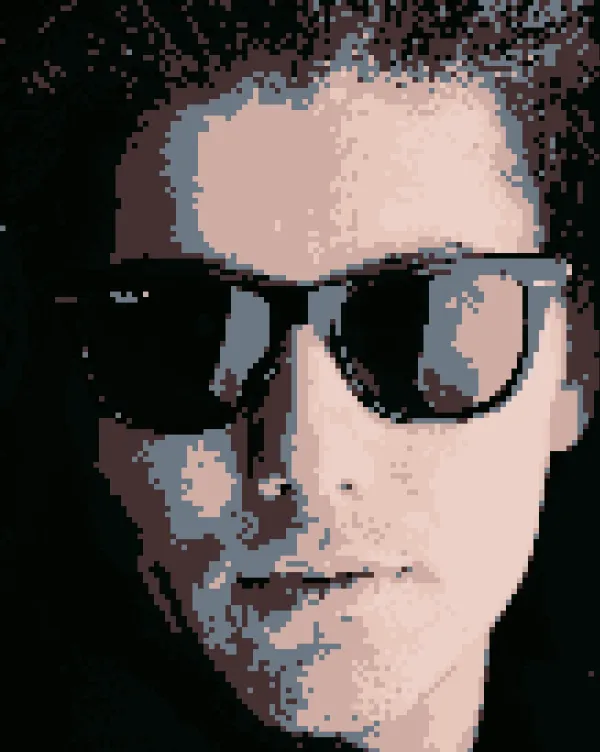
Pixel Art Portraits
Use Photogenesis to make beautiful portrait pixel art you can fully customize to your liking, right from your phone.

Step by step
After launching Photogenesis, choose the photo you want to work with.
01
Choose "Mosaic" from the effects list.
02
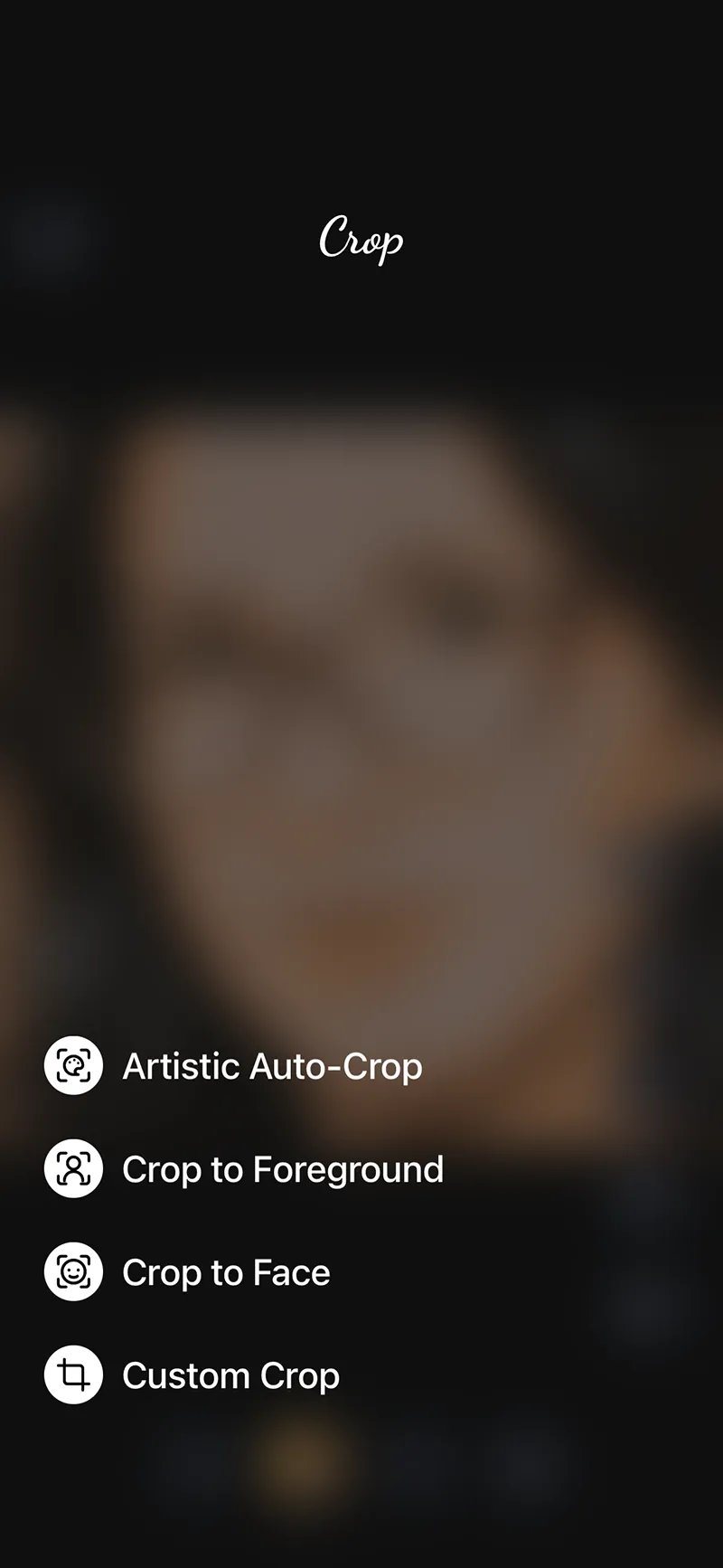
Tap the crop icon and crop the image to your liking. For portrait pixel art, "Crop to Face" or "Artistic Auto-Crop" work best.
03
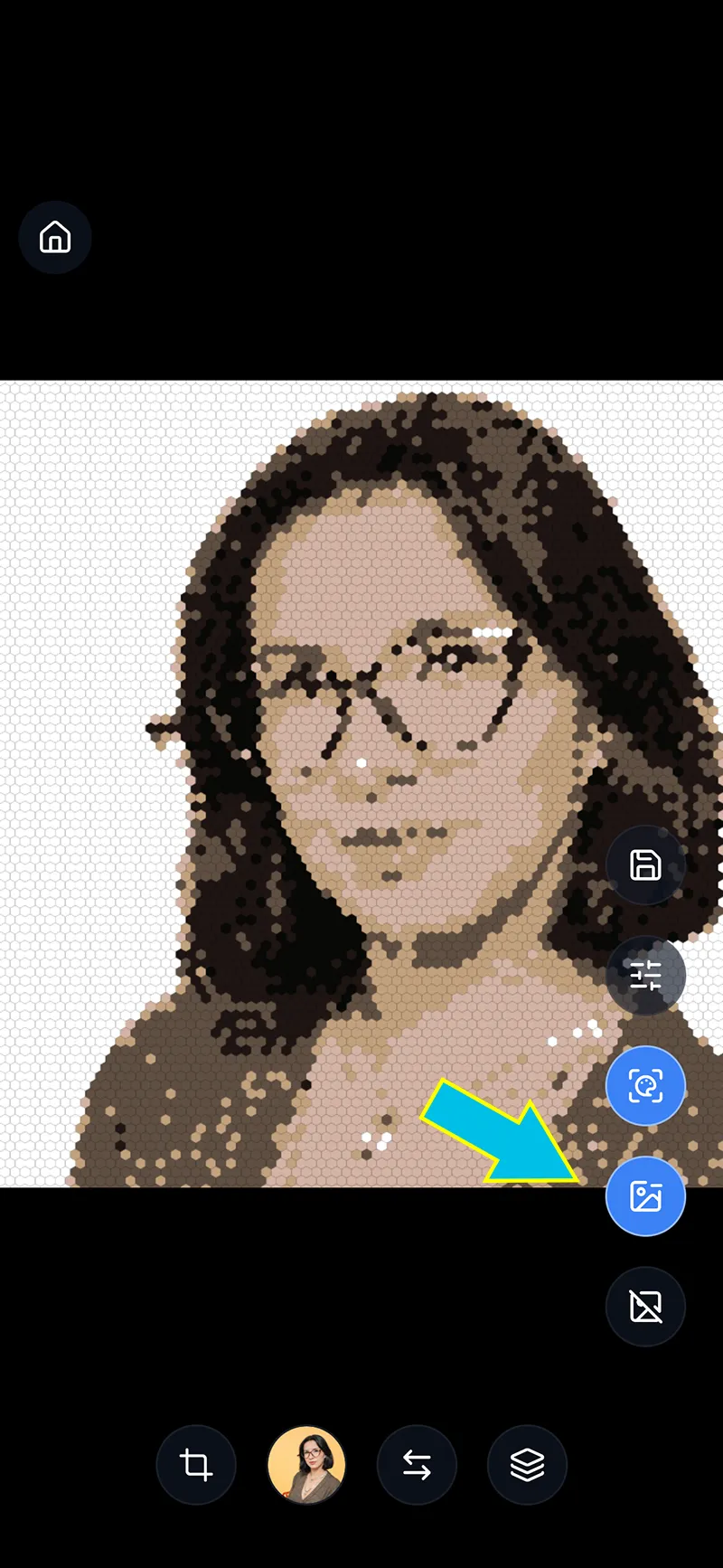
Depending on your preferred visual style, you can choose to remove the background from the photo by tapping on the "Remove Background" icon.
04
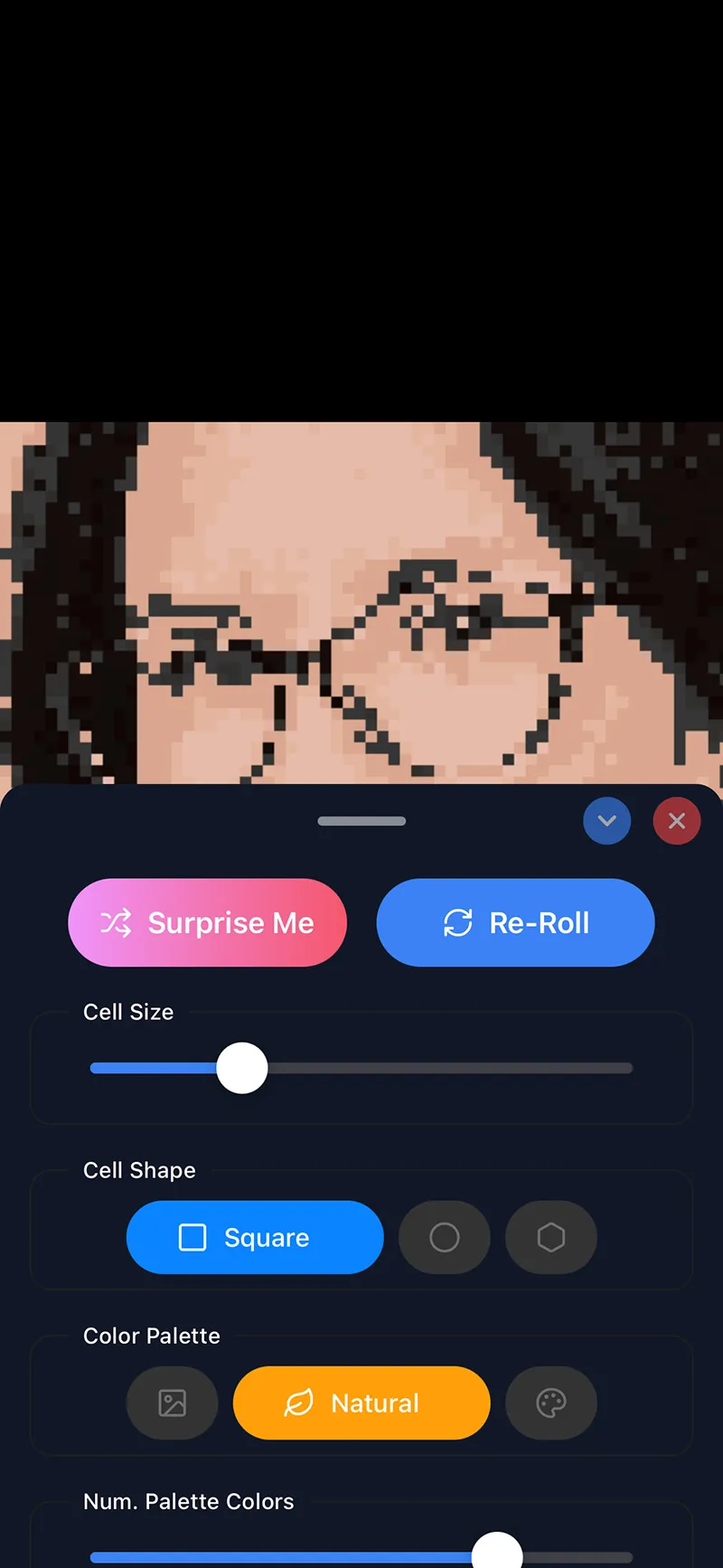
Bring up the control panel by swiping up on the image or tapping the "Edit" icon.
05
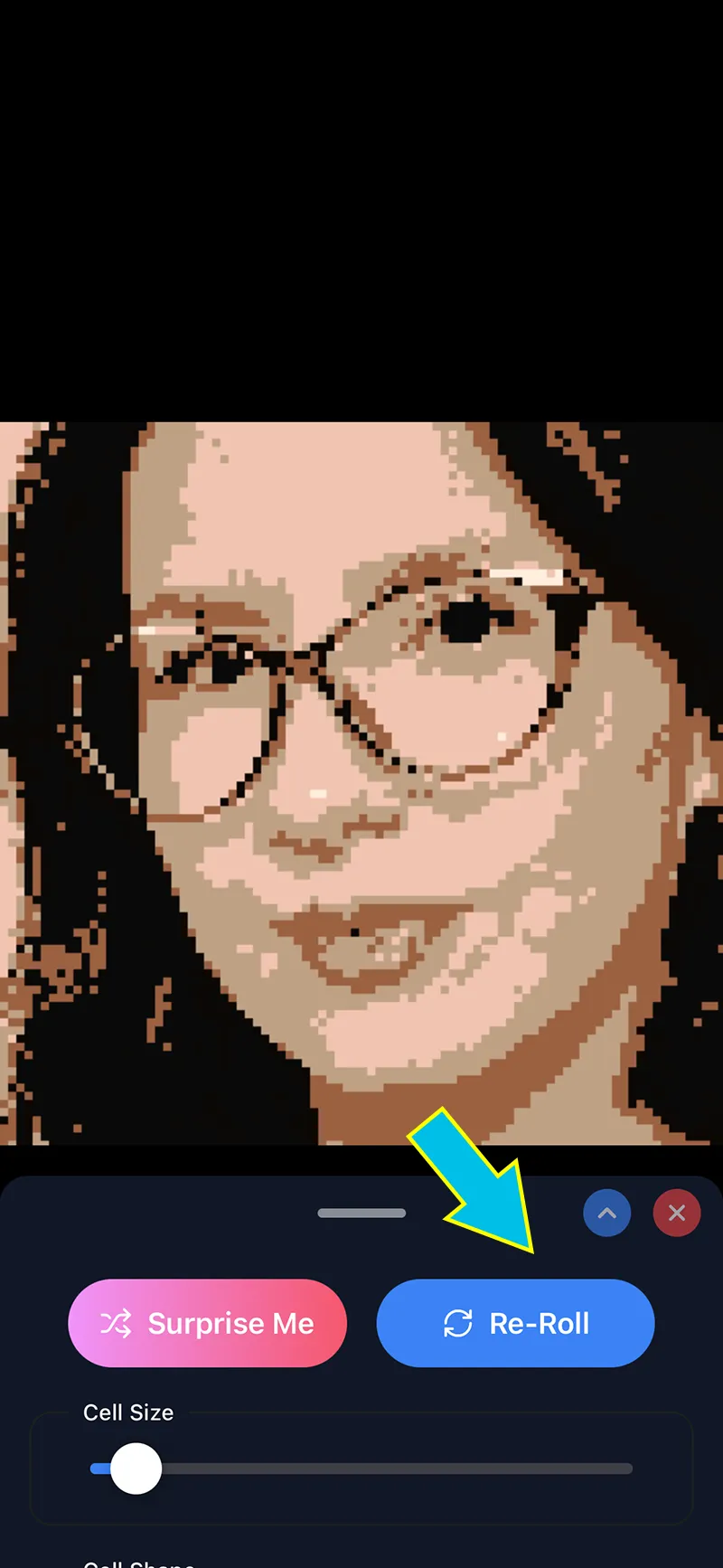
Tap the Re-Roll button a few times, until you land on a color scheme you like best.
06
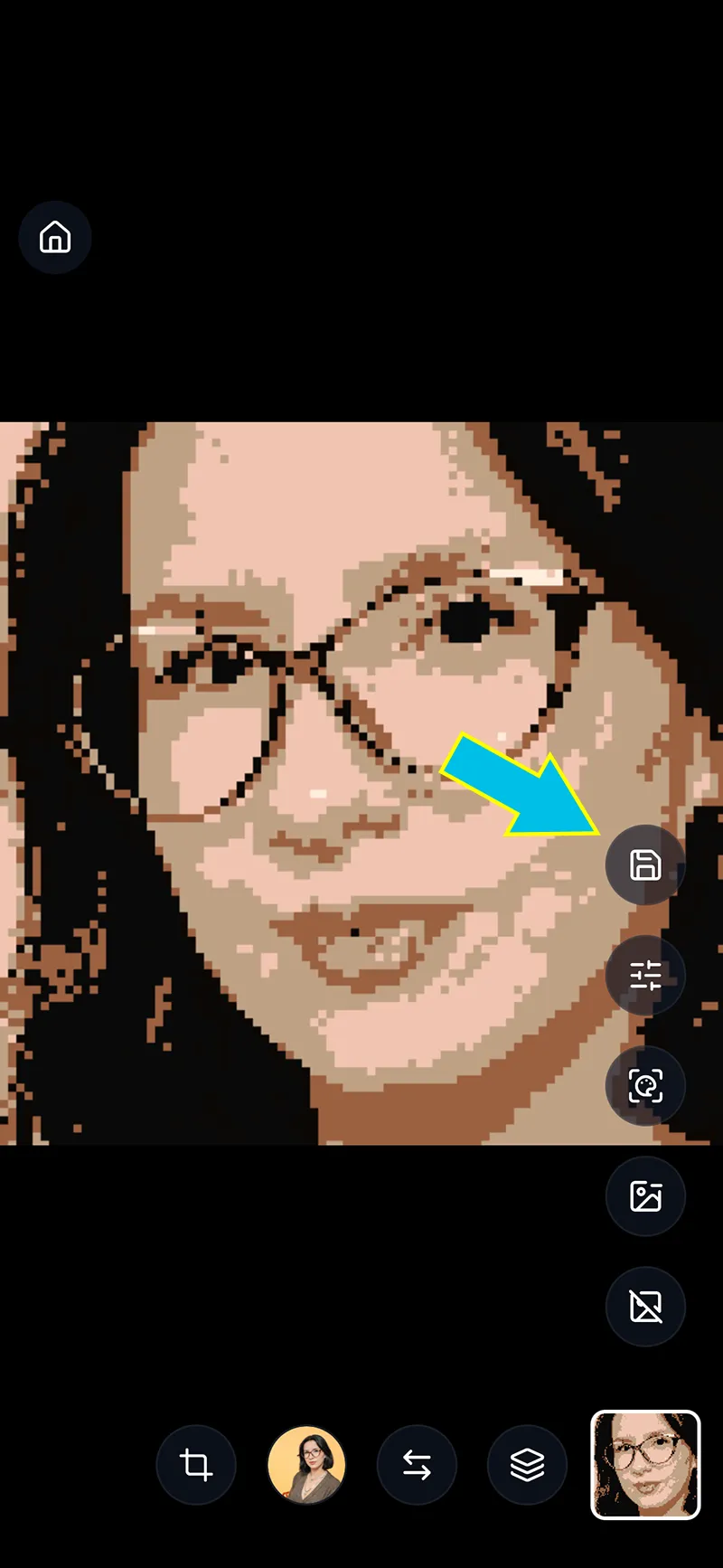
Tap the save button when you're happy with the results.
Make your own
Free. No AI. No subscriptions. Instant results.